> ## Documentation Index
> Fetch the complete documentation index at: https://docs.speakglass.com/llms.txt
> Use this file to discover all available pages before exploring further.
# Quickstart
> Start speaking in real conversations with Glass in minutes.
## **Get started in minutes**
Follow these steps to begin your first conversation and receive real-time support.
### Step 1: Launch Glass and sign in
Open the Glass website in your browser and sign in to your account.
Select your language, target language, and pronunciation settings.
 Click **Start Call** to begin.
### Step 2: Start your conversation
Click **Start Call** to begin.
### Step 2: Start your conversation
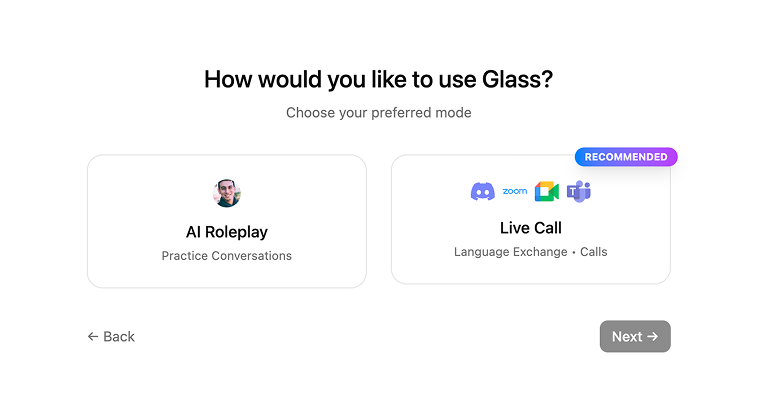 * Start the conversation in **AI Roleplaying mode**.
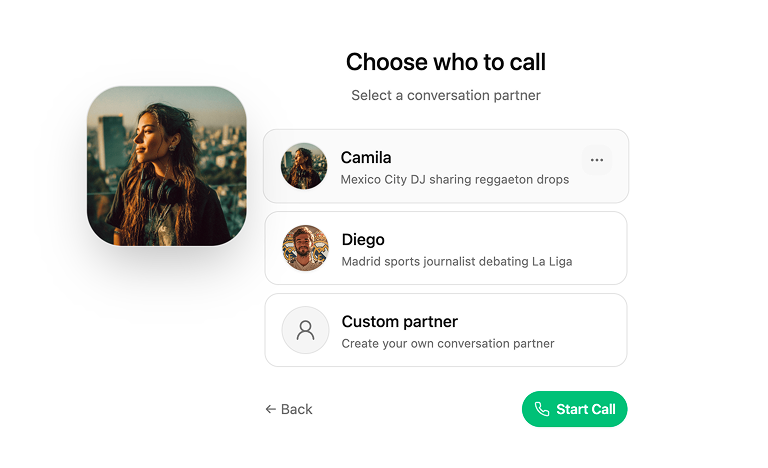 * Choose an partner you want to talk with, or create your own custom partner.
* Type a few keywords to get complete sentences, or click **Get suggestion** for the next line.
* Choose an partner you want to talk with, or create your own custom partner.
* Type a few keywords to get complete sentences, or click **Get suggestion** for the next line.
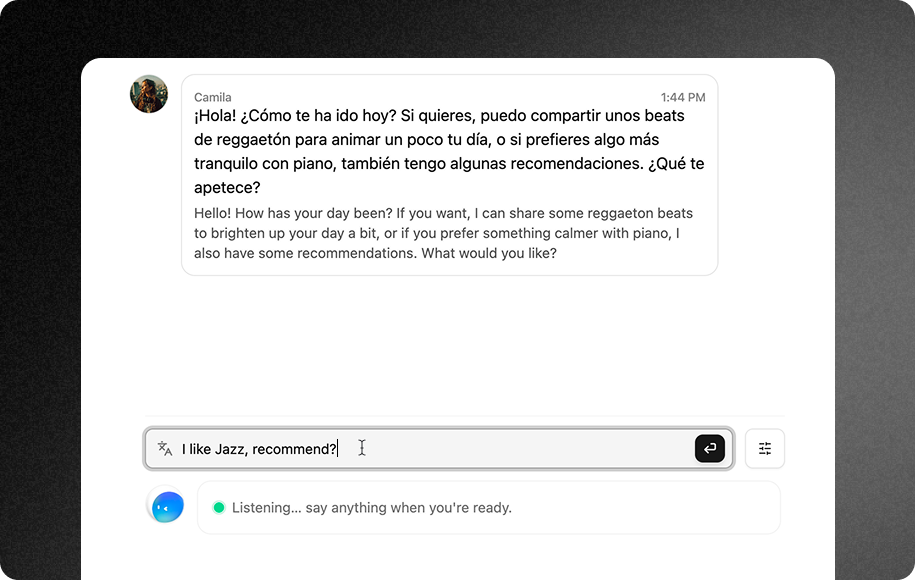 * Speak aloud and follow the suggestions as Glass provides real-time sentence support and live feedback.
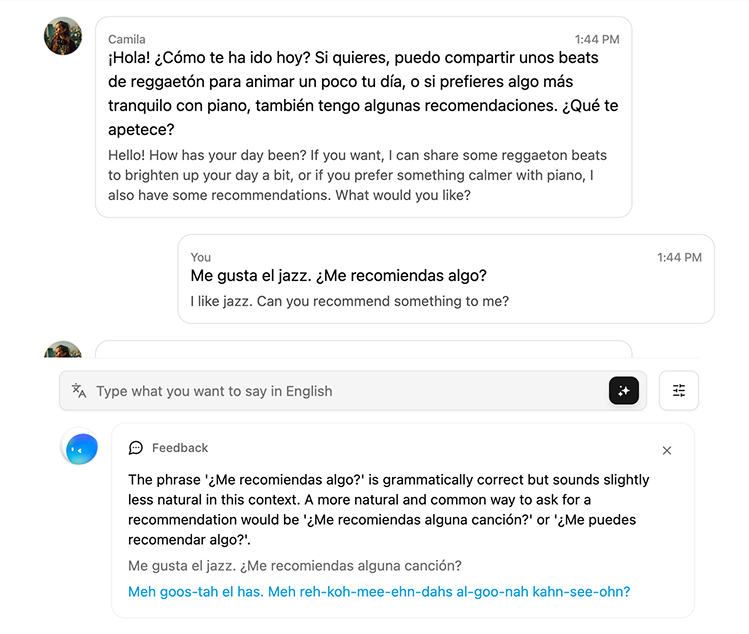 ### Step 3: Review your results
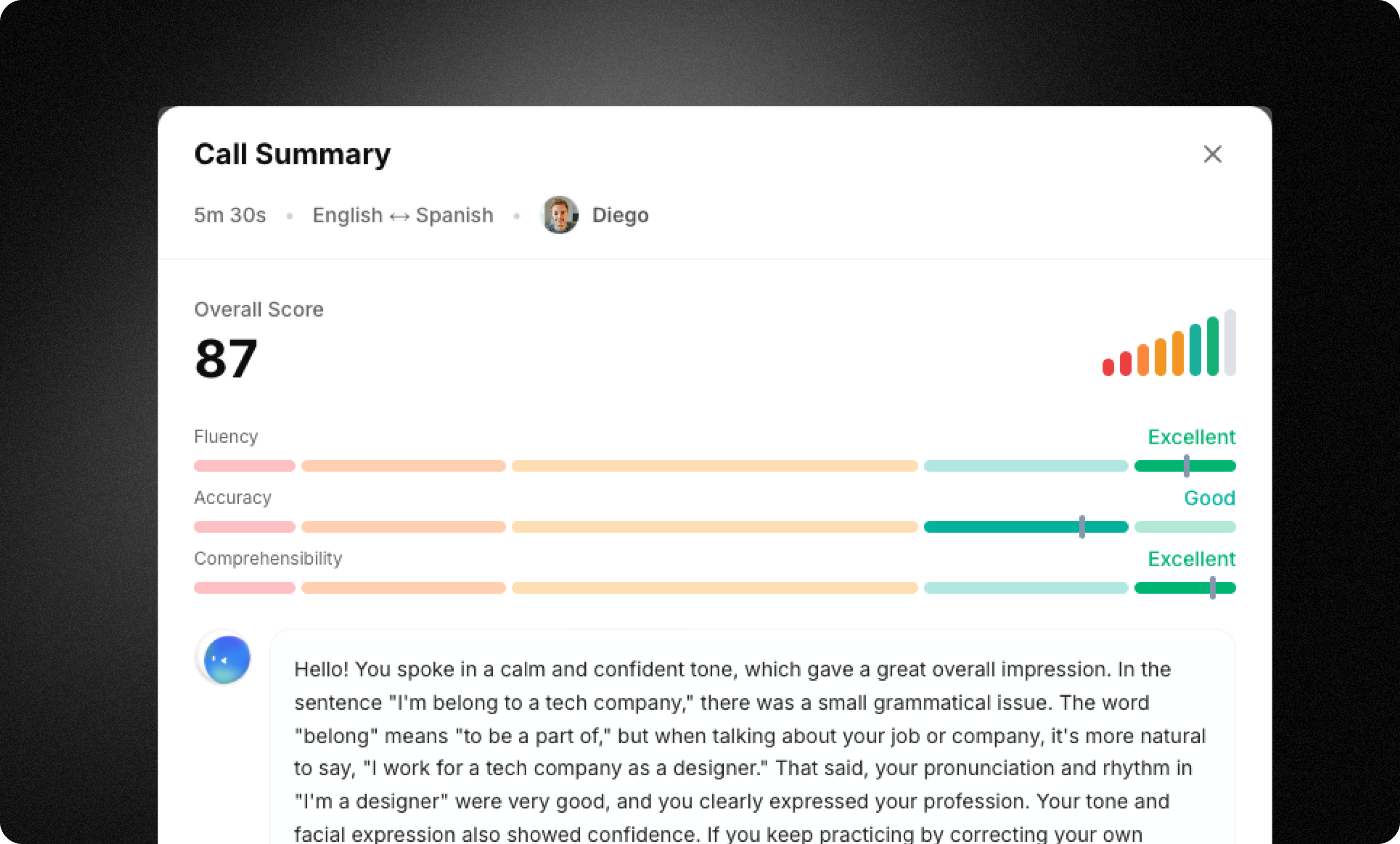 After your conversation ends, Glass provides:
* **Fluency and accuracy scores**
* **A performance summary** showing what you did well and what you can improve
* **Full conversation notes** for review and practice
* **Memory updates** organizing and saving key information about you
## Next steps
Now that you’ve completed your first session, explore these key features:
Turn a few keywords into complete, natural sentences.
Speak with an AI partner in realistic scenarios.
Get instant corrections as you speak.
Glass remembers key details to personalize your experience.
**Need help?** See our [full documentation](https://docs.speakglass.com/) or join our [community](https://discord.com/invite/W7RAzUdYaj).
After your conversation ends, Glass provides:
* **Fluency and accuracy scores**
* **A performance summary** showing what you did well and what you can improve
* **Full conversation notes** for review and practice
* **Memory updates** organizing and saving key information about you
## Next steps
Now that you’ve completed your first session, explore these key features:
Turn a few keywords into complete, natural sentences.
Speak with an AI partner in realistic scenarios.
Get instant corrections as you speak.
Glass remembers key details to personalize your experience.
**Need help?** See our [full documentation](https://docs.speakglass.com/) or join our [community](https://discord.com/invite/W7RAzUdYaj).