

Get started in minutes
Follow these steps to begin your first conversation and receive real-time support.Step 1: Launch Glass and sign in
1
Open Glass and sign in
Open the Glass website in your browser and sign in to your account.
2
Finish onboarding
Select your language, target language, and pronunciation settings.
3
Start your call

Step 2: Start your conversation
1
Choose AI Roleplaying mode
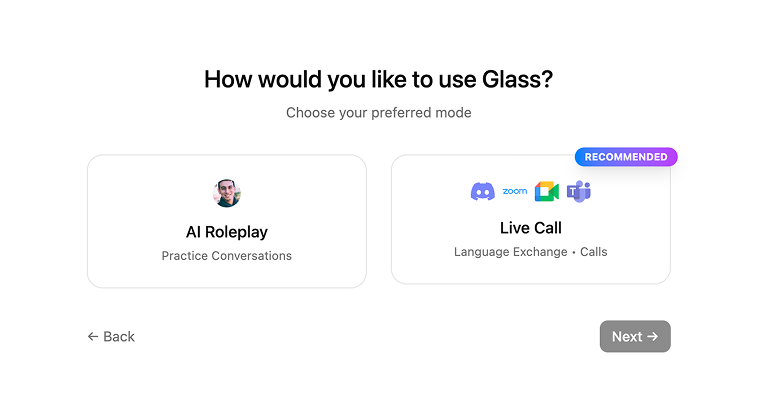
-
Start the conversation in AI Roleplaying mode.
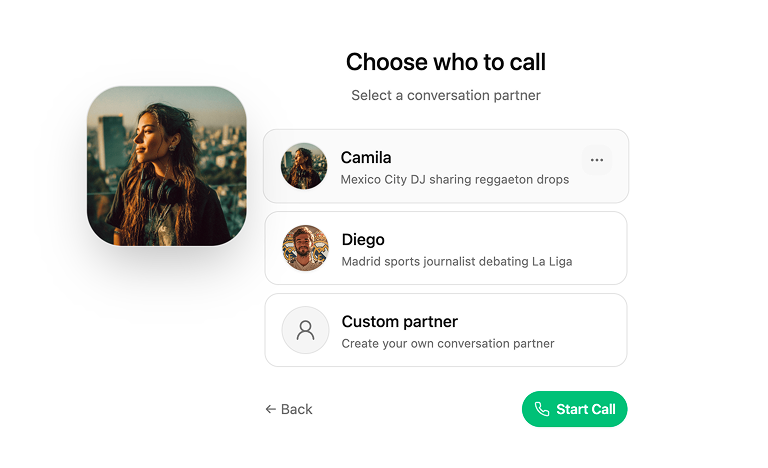
- Choose an partner you want to talk with, or create your own custom partner.
2
Get suggsestion
-
Type a few keywords to get complete sentences, or click Get suggestion for the next line.
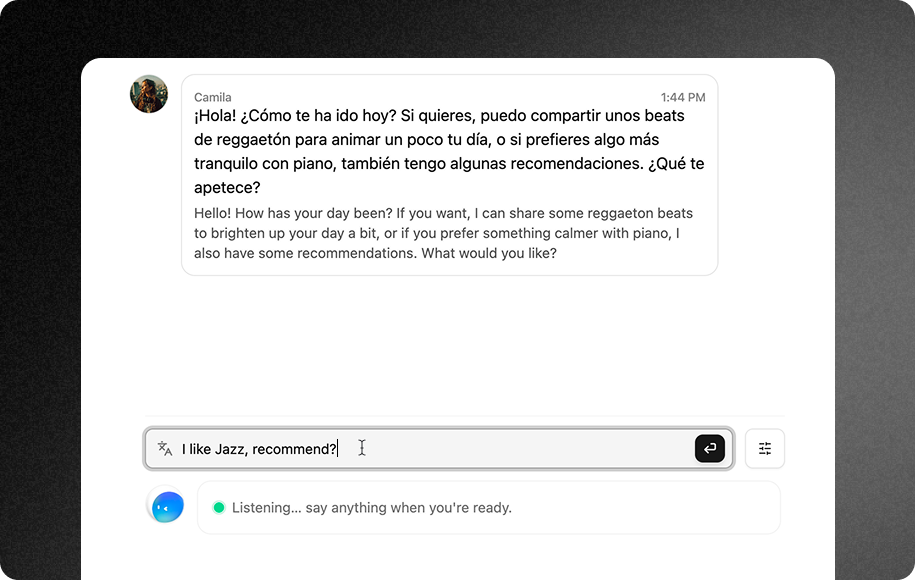
-
Speak aloud and follow the suggestions as Glass provides real-time sentence support and live feedback.
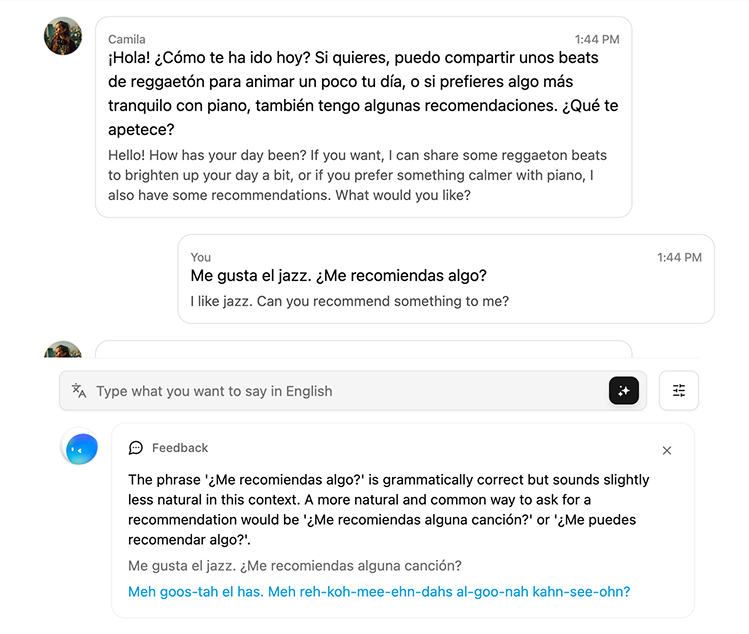
Step 3: Review your results
1
Call summary
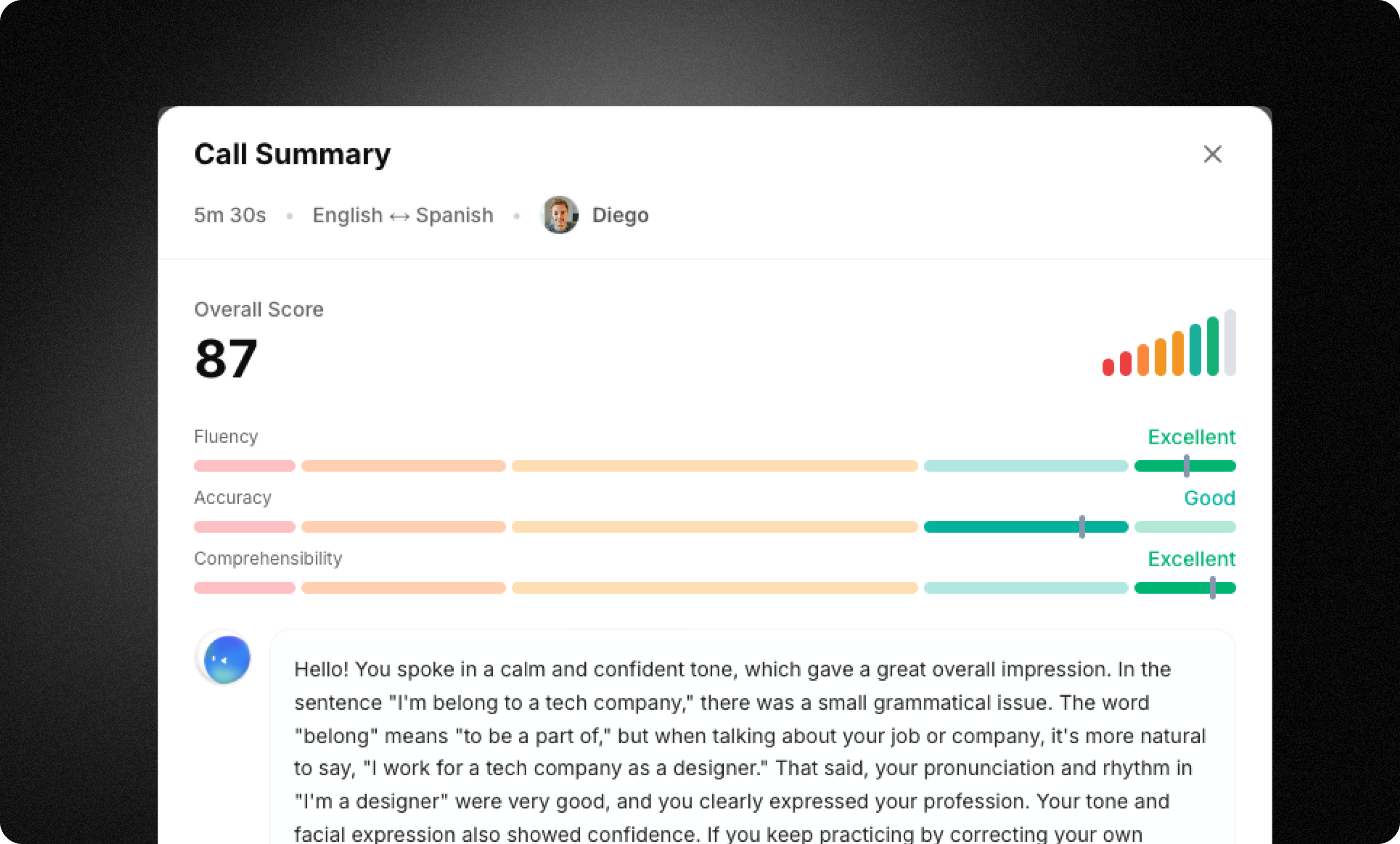
- Fluency and accuracy scores
- A performance summary showing what you did well and what you can improve
- Full conversation notes for review and practice
- Memory updates organizing and saving key information about you
Next steps
Now that you’ve completed your first session, explore these key features:Real-time suggestions
Turn a few keywords into complete, natural sentences.
AI roleplay
Speak with an AI partner in realistic scenarios.
Real-time feedback
Get instant corrections as you speak.
Memory
Glass remembers key details to personalize your experience.
Need help? See our full documentation or join our community.